Smarter payroll-ready data.
Every minute counted.

Every punch, shift and leave is captured automatically and fed straight into payroll, so salaries are accurate, disputes disappear and month-end takes minutes. Included in every plan, from $8 per employee a month.
LIVE PUNCH CLOCK
09:02:00
Today7h 12m
This week38h 05m
StatusON SHIFT
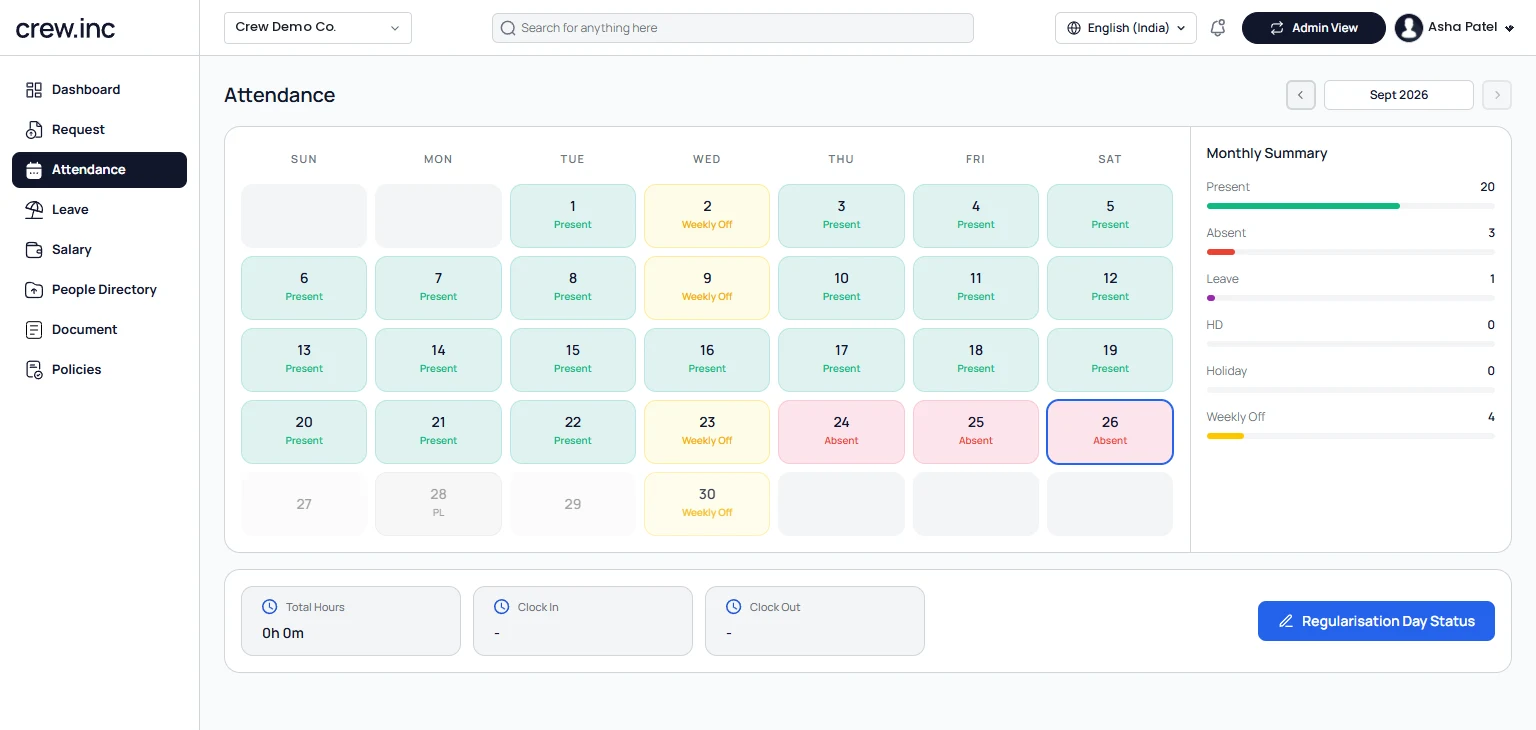
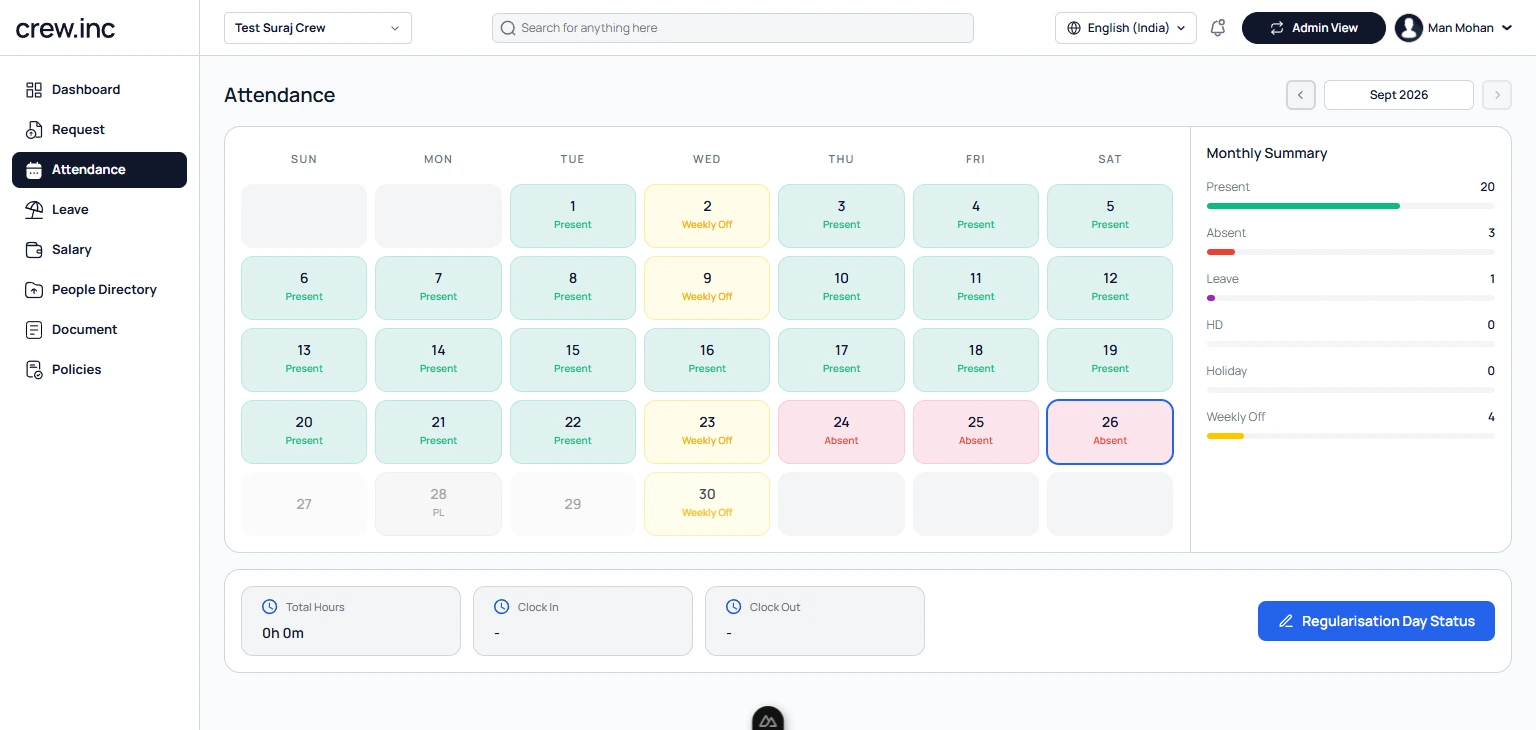
Crew attendance calendar for one employee, with present, absent, weekly-off and leave days and a monthly summary
The Crew app attendance calendar on an employee's phone
An employee’s attendance calendar in Crew, with the same register in the employee app.

Three ways to mark attendance

Use one, or mix them by location and team. Every punch lands in the same register.

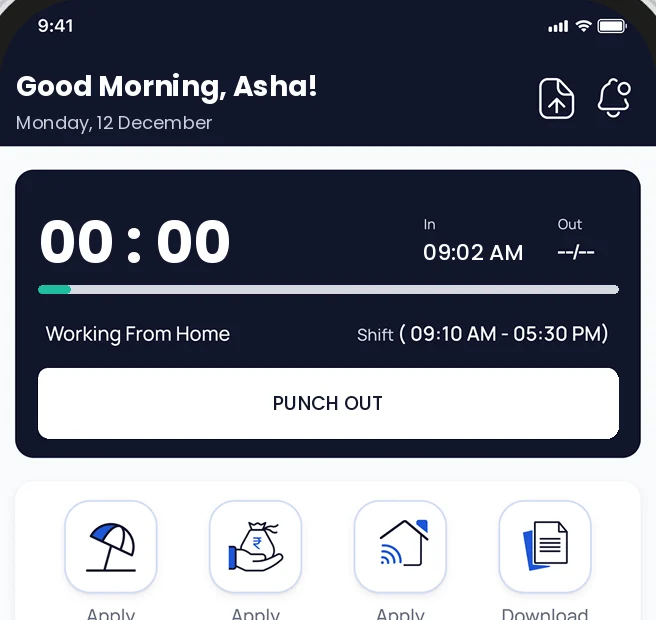
Crew app home screen showing Punch out, punched in at 09:02 AM
01 · Mobile

Punch in and out from the app

Staff tap Punch in on the Crew app with a quick selfie, and Punch out at the end of the day. Good for offices, remote and work-from-home days.

Selfie checkAndroid and iPhoneWork from home
02 · Biometric

Biometric machines

Keep the eSSL or Biomax machines you already have. Punches sync to Crew through the Crew Connector app on a Windows PC.

eSSLBiomaxAuto syncEvery plan
03 · Geo-fence

Geo-fenced check-in

Draw a radius around each office, plant or site. The app only lets staff punch in when they are inside it.

Radius you setPer siteField teams

Attendance no one can fake

Someone clocks in for a friend who is running late, and you pay for hours nobody worked. With biometric and geo-fenced check-ins, every punch is tied to a real person and synced straight to payroll.

  • Can’t be faked — a fingerprint can’t be handed to a colleague
  • Verified location — geo-fencing makes sure check-ins happen at the office or inside its set radius
  • Works with your hardware — fingerprint, face and iris terminals from leading brands
Set up Crew Connector to sync your devices →

Plan the week in one view

Build rosters across every shift and every site, and see coverage gaps before they become no-shows. Built for teams where the work never runs 9-to-5: plants, stores, warehouses and sites.

Overtime and multi-location attendance

Overtime is calculated automatically, and every office, plant and branch gets its own geo-fence, all in one register.

Overtime · Today

Auto-calculated
9:0013:0017:0019:30
Regular · 8hOT · 2.5h
Regular hoursExtra hours
Overtime2.5 hrs
Multiplier1.5×
Payable OT3.75 hrs

Multi-location attendance

● 3 sites live
Each site · its own geo-fence
Ahmedabad HQ200 m fence · 42 checked inIn zone
Plant 2, Sanand300 m fence · 118 checked inIn zone
Mumbai branch150 m fence · 12 checked inIn zone

One register and one payroll for every location.

Policy formation

A visual rules engine for grace periods, late entries and early-outs, applied automatically to every attendance record.

Rules engine4 active
Grace periodAllow up to 10 min late, no penalty
Late entry tracking3 late marks = ½ day deduction
Early-out monitoringFlag exits before 5:30 PM
Auto enforcementApply rules to all records nightly
Grace window
10min

Applied at shift start

Late marks
12

Flagged this month

Early-outs
5

Before 5:30 PM

Auto-applied
100%

Records covered nightly

Leave management, done for you

Leave balances, leave policies and leave approvals in one place. Track every leave type, apply sandwich-leave rules and approve requests, without spreadsheets or back-and-forth.

PLPrivilegedAnnual entitlementAccruing
9of 12
  • 9 days available
  • 3 days used
CLCasualShort noticeHealthy
5of 8
  • 5 days available
  • 3 days used
SLSickMedicalLow
2of 6
  • 2 days available
  • 4 days used
Pending approvals3 awaiting
MKMeera Kapoor · Casual23–25 June · 3 daysPending
RSRohit Sharma · Privileged1–5 July · 5 daysApproved
ANAarti Nair · Sick18 June · 1 dayDeclined
Sandwich leaveCount holidays between leaves
Friday + Monday leave with the weekend in between counts as 4 days.
Leave policies
  • Carry forward up to 10 days
  • Encashment at year end
  • Manager + HR two-step approval

Maya turns a note into a polished leave request

Staff write one line in plain language. Maya, Crew’s AI HR agent, picks out the dates, checks the leave balance, chooses the right leave type and drafts a complete application, ready to submit.

Your note
Need 3 days off next week — sister’s wedding in Jaipur, travelling Tue to Thu.
Dates · 23–25 June
Leave applicationDrafted by Maya AI
★Your formatted application will
appear here once generated.
Balance OK · Casual

Reports

One consolidated view of attendance, leave, overtime and shifts across the whole organisation, from a single admin dashboard.

Attendance rate96.2%▲ 2.1% vs last month
Avg hours / day8.4h▲ 0.3h vs last month
Leaves taken38▼ 4 vs last month
Overtime hours124h▲ 9h vs last month
Attendance trend
Present % · last 8 weeks
Weekly
Leave distribution
By type · this quarter
38leaves
  • Privileged45%
  • Casual30%
  • Sick25%
Attendance reportDaily and monthly logsExport
Leave reportBalances and historyExport
Overtime reportExtra hours and payExport
Shift reportCoverage and rostersExport

Built for workforces that don’t sit at desks

Manufacturing

Multi-shift plants, biometric punch-ins and overtime that calculates itself.

Retail

Store rosters, late-mark rules and coverage across every outlet.

Logistics

GPS check-ins for drivers and field staff, wherever the route goes.

Real estate

Site teams and sales staff verified on location, not on trust.

Leave, without the paperwork

Staff apply for leave in the Crew app and managers approve it in one tap. The balance, the attendance register and payroll all update on their own.
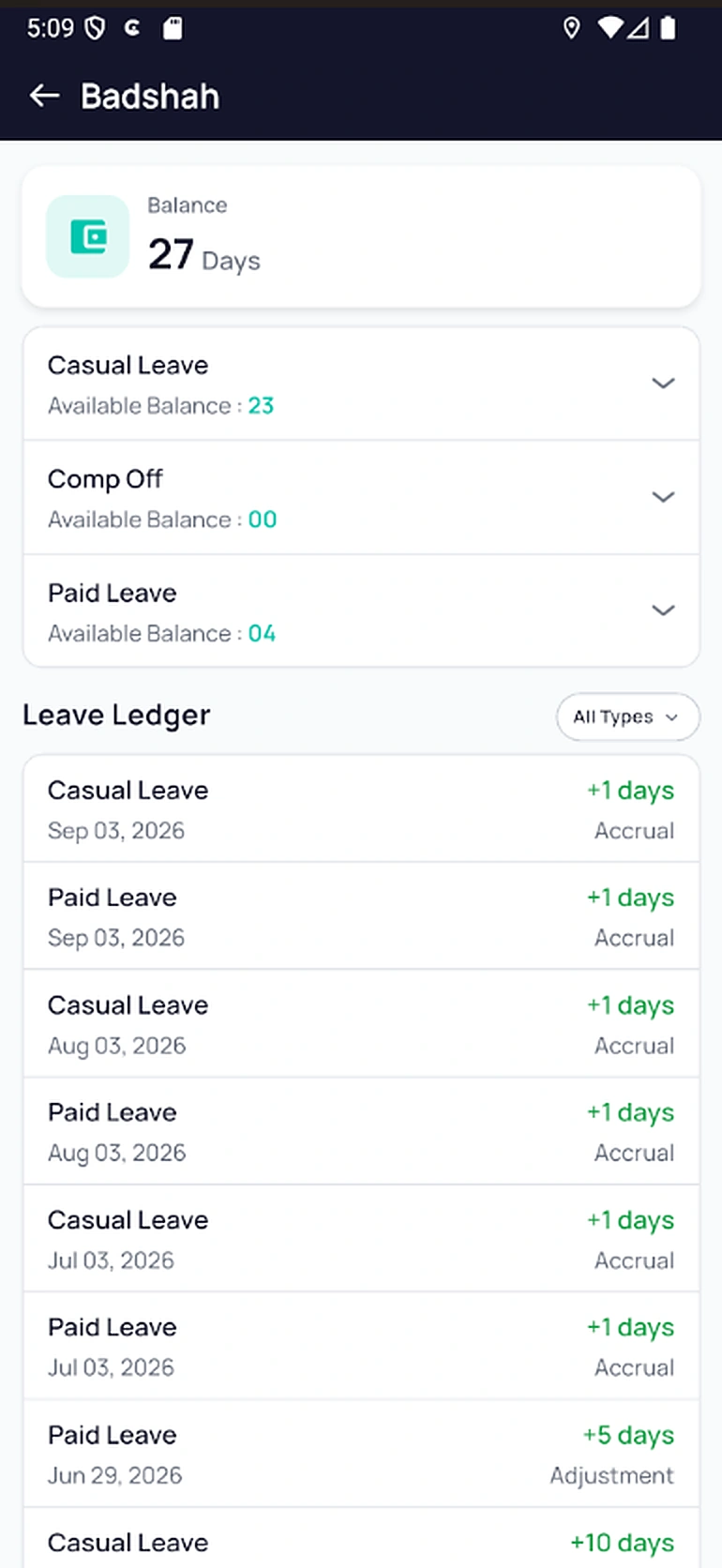
  • Balances on every phone — casual, paid and comp-off, with a ledger of every credit and debit
  • Maya writes the request — type one line and Maya AI turns it into a proper leave application
  • Straight into payroll — approved paid and unpaid leave lands in the month’s salary run

Attendance questions

Which biometric machines are supported?

eSSL and Biomax devices, through Crew Connector on a Windows PC.

How do I connect my biometric machine?

Install Crew Connector on a Windows PC on the same network as the device, add the device and match device IDs to employees. Punches then sync to Crew automatically, and our team does this with you during setup.

Can staff check in from their phone?

Yes, with a selfie and only inside the geo-fences you set.

Does it handle night and rotating shifts?

Yes. Set shifts per site, including night and rotating shifts.

What happens when someone forgets to punch?

They get a missed-punch alert in the app and can request a correction, which their manager approves.

Can I use attendance without payroll?

Yes. Attendance is included in every plan. Crew Payroll is available for companies in India, and you can switch it on whenever you are ready.

How does leave work in Crew HRMS?

Employees apply in the app, managers approve, and the balance and attendance update automatically.

Can we set our own leave types?

Yes. Add casual, sick, paid, comp-off or any type with your own rules.

Does approved leave affect payroll?

Yes. Paid and unpaid leave flow into the month’s payroll.

Can employees see their balance?

Yes, any time in the Crew app.

Try Crew attendance free

7 days, no card needed. Set up in a few hours.